The visit ends nowhere
Somebody reads your page, likes the price, and closes the tab. Nothing on the page asked for a name or a number, so you never knew they were there and you can never follow up.
Capture the people already looking at you — with a landing page, a form on your own site, or a popup — then follow up on email, SMS and WhatsApp, and keep the version that actually earns replies.
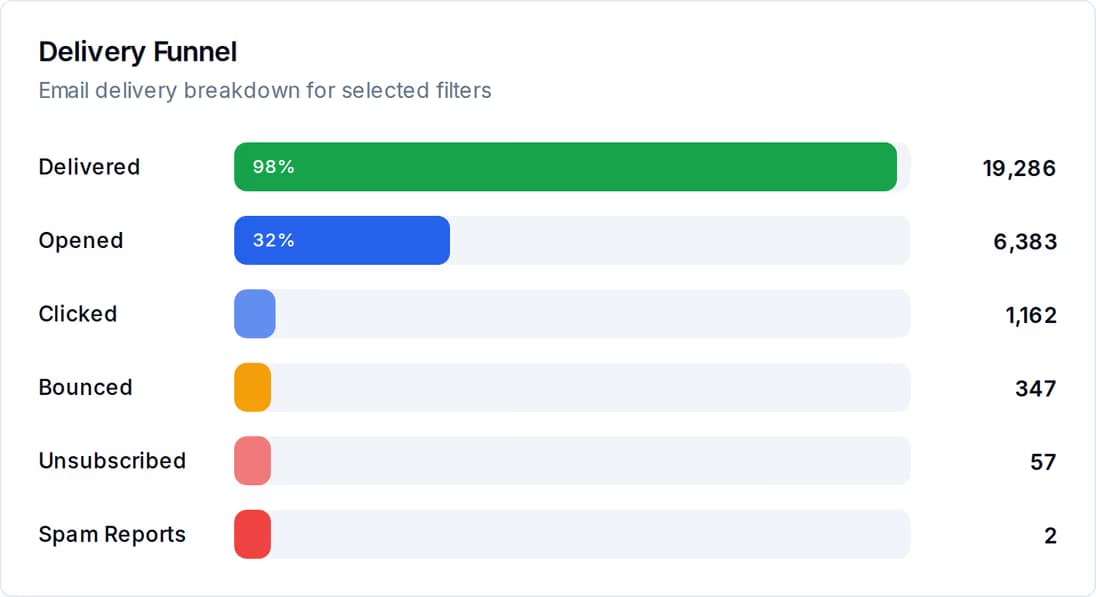
Most shops do not have a traffic problem. They have three small holes, and every one of them costs a customer who was ready to buy.
Somebody reads your page, likes the price, and closes the tab. Nothing on the page asked for a name or a number, so you never knew they were there and you can never follow up.
Names arrive by phone, by chat, on paper. Day one you remember. Day three you are busy. By day seven the buyer has already paid somebody else.
Two versions of the same offer went out. Both got some replies. With no number beside either one, next month you are guessing again.
Three jobs, one account. None of them needs a developer.
Publish a landing page at its own address, drop a form into the website you already run, or show a popup to the person reading the page right now.
Every submission is stored with the time it arrived, the answers given and the page it came from, and your team is notified. You read them in one table under the form.
Reply from the shared inbox, send an email, SMS or WhatsApp campaign, or build a journey that waits, branches and sends without you at the keyboard.
Views, submissions and conversion rate sit beside every capture point, and a split-tested email works out its own winner on open rate or click rate.
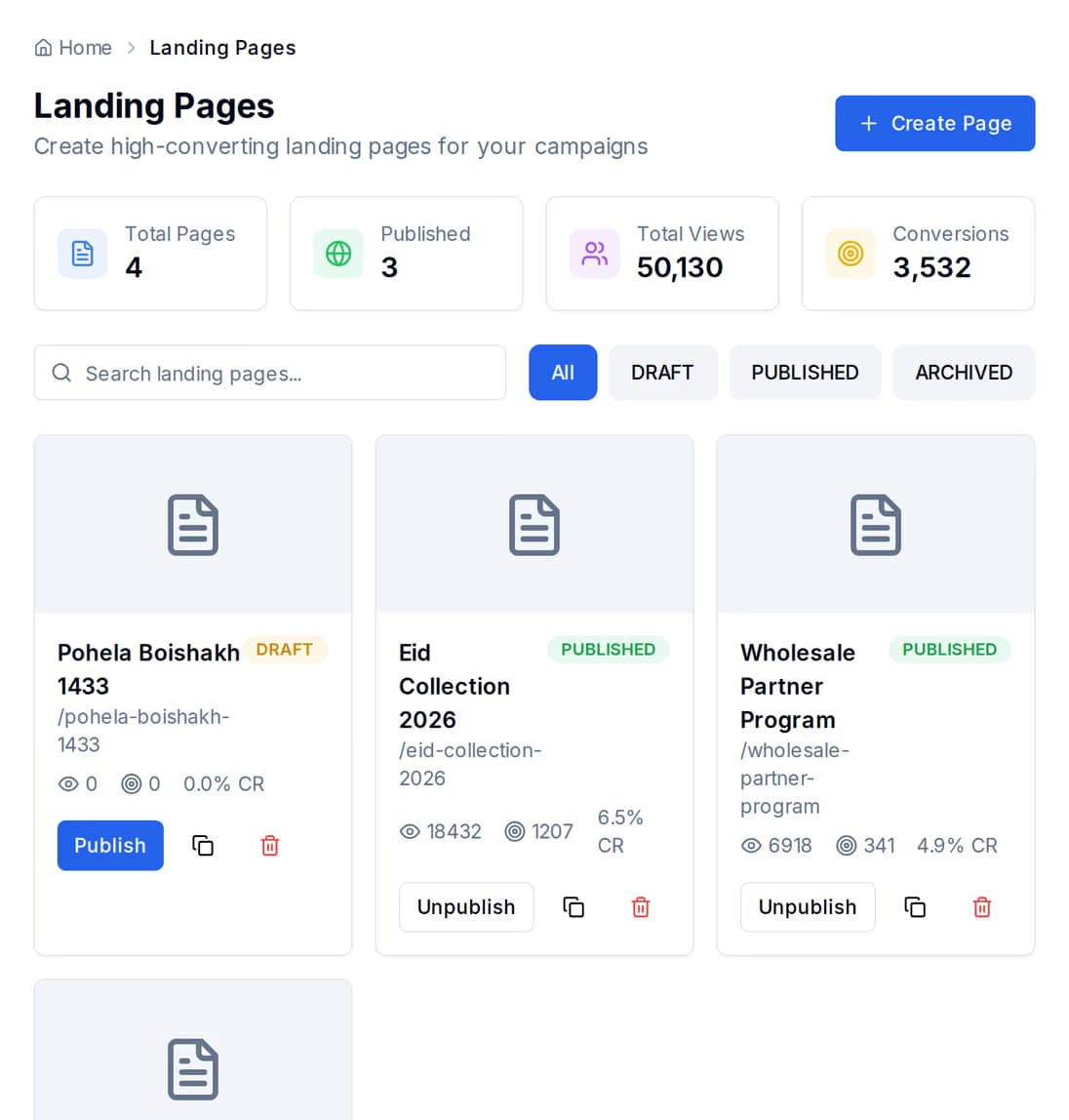
Build a page that does one job — take bookings for a course, sell one product, collect names before a launch — and publish it at its own web address. You can run the whole offer from that link alone: put it in your WhatsApp bio, in an SMS, on a printed poster. No website of your own required.
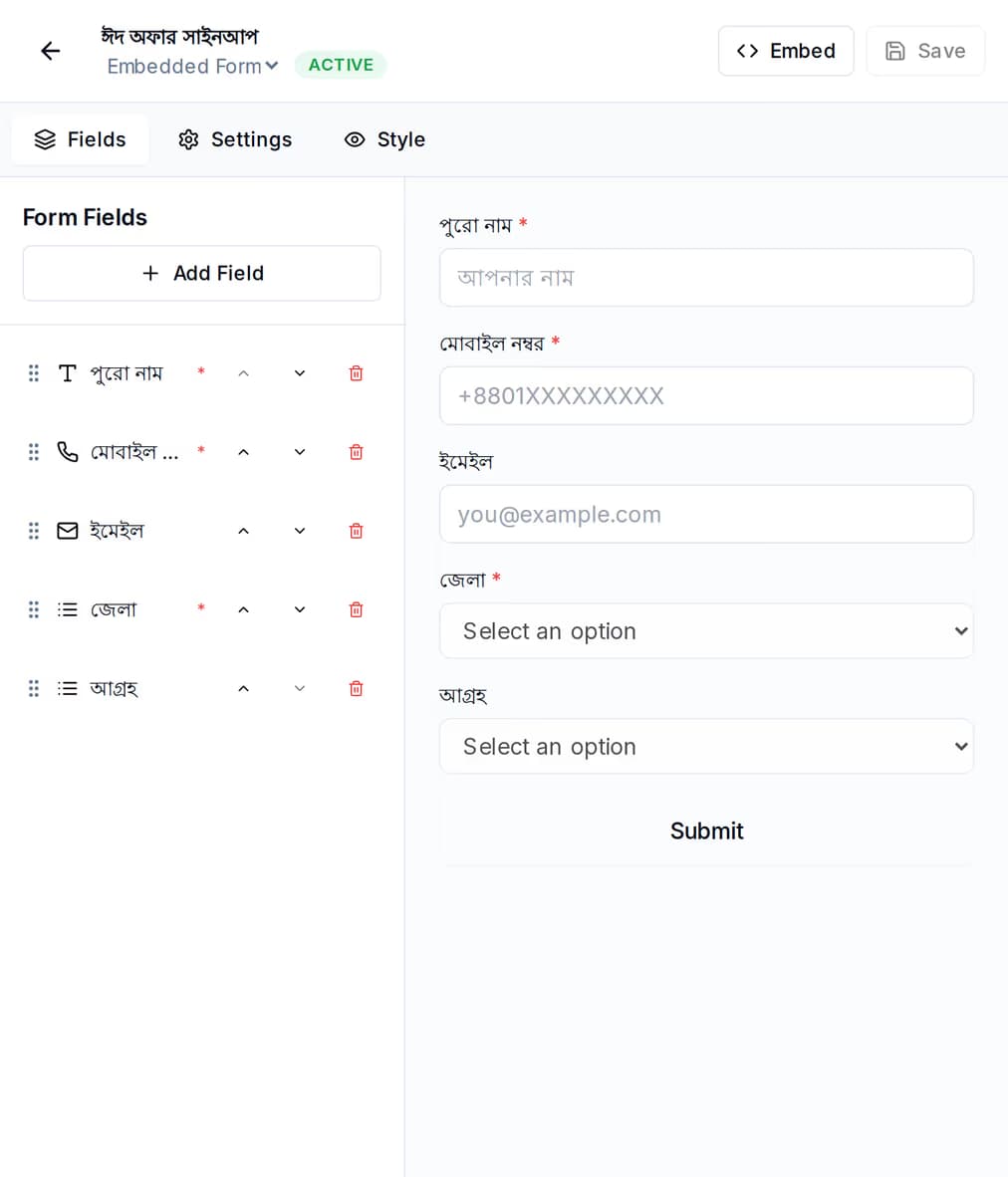
Build the form here, copy the single script tag, and paste it into your existing site where you want the form to appear. It draws itself, submits itself, and then shows your own thank-you message or sends the visitor to a page you choose. If your site will not accept a script, there is a frame version that behaves the same way.
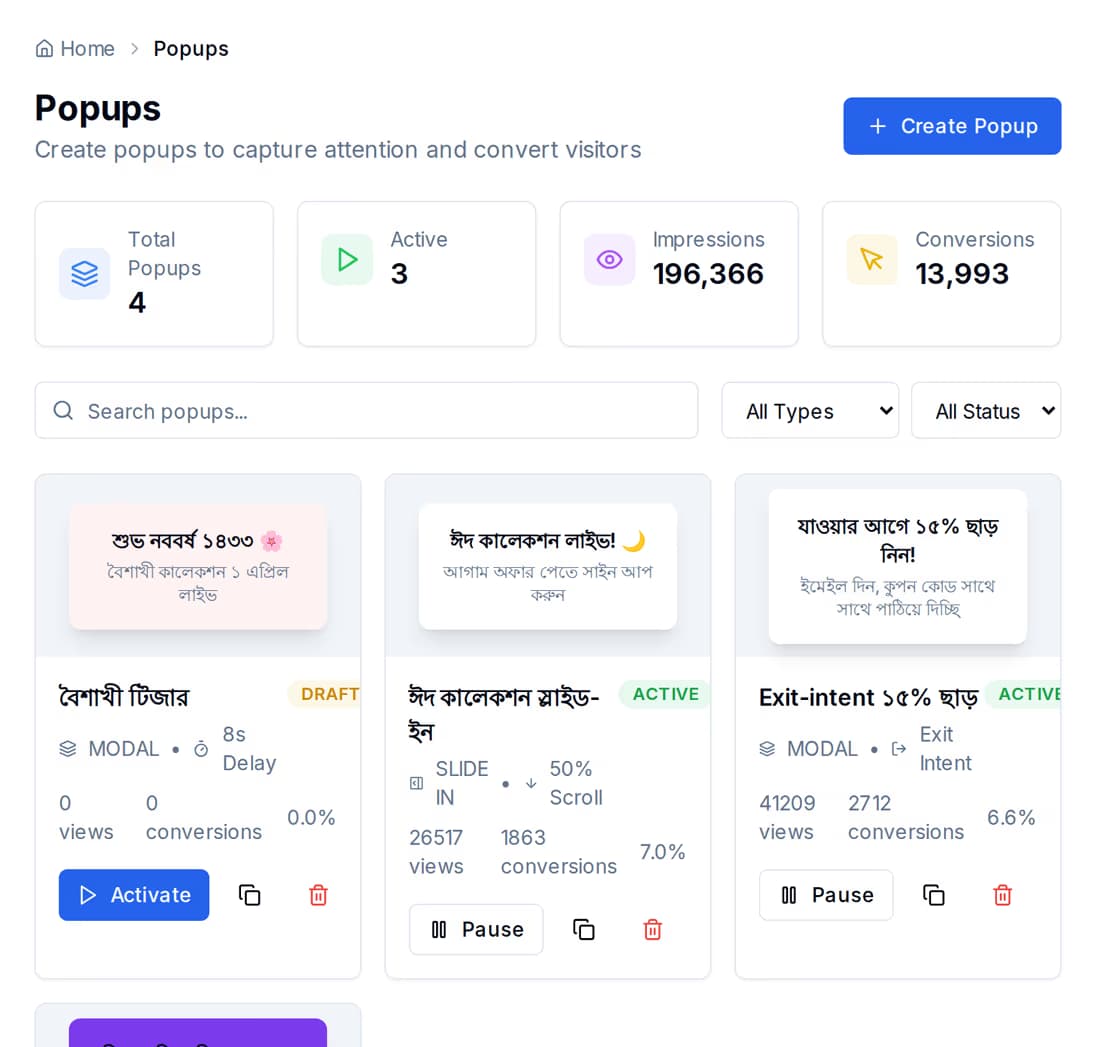
A popup is the same one-tag idea, shown over the page the visitor is already reading. Pick the shape, write the offer, and set how many seconds to wait before it appears. Each visitor sees it once per browsing session, so it asks once and then leaves them alone.
Once somebody has raised their hand, the follow-up is a journey you build once and leave running — with limits that stop it turning into a nuisance.
Write two versions of the same email — a different subject line, a different offer, a different tone. QuickGrow sends each one to a slice of your list, waits the number of hours you choose, then compares them on the measure you picked: open rate or click rate.
You set what share of the list each version goes to. Everybody else is held back untouched until the test has run, so the bulk of your list still gets the better message.
Nothing is decided in the first ten minutes. Set the test to run for as many hours as your customers really need to open their mail — overnight, or a full working day.
When the wait is over the winner is worked out for you and you are told which one it is. Sending it on to the rest of the list is opt-in, so a test never mails everybody behind your back.
Landing pages get their own version test. Write a second version of the page, set how much of the traffic sees it, and compare the two on views, conversions and the rate between them — with a check on whether the gap is wide enough to trust or still noise. End the test on the winner and that version becomes the live page.
Most shops end up using two of the three. The landing page carries an offer on its own; the form and the popup work on a site you already have.
| Landing page | Form on your site | On-site popup | |
|---|---|---|---|
| Where it lives | At its own web address | Inside a page you already run | Over the page they are reading |
| Needs a website of your own | No | Yes | Yes |
| Added with one script tag | No | Yes | Yes |
| Pause it without editing your site | Yes | Yes | Yes |
| Version test built in | Yes | No | No |
| What it counts | Views, conversions, rate | Views, submissions, rate | Impressions, closes, conversions, rate |
| Best for | One offer you can send a link to | Steady enquiries from your own pages | Catching somebody before they leave |
Not for a landing page. It is published at its own web address, so the link is the whole thing — put it in your WhatsApp bio, in an SMS, or on a printed poster. Forms and popups are for when you already have a site and want to capture the people on it.
Copy the one-line script tag from the form and paste it into your page where you want the form to appear. If your site does not allow scripts, use the frame version instead. Nothing is installed on your server and nothing has to be kept up to date.
It is saved with the time it arrived, the answers given and the page it was submitted from, and your team is notified. You read them in one table under the form, page by page, and the form shows its own views, submissions and rate.
Landing pages, forms and popups are part of the platform. Build one this afternoon and see what it captures by the weekend.
 CyberCraft BangladeshQuickGrow AI
Run every channel from one platform. Bring your own SMTP, SMS gateway, and WhatsApp number — or use ours.
See pricing →