A key and a signature
Send X-Partner-Key with your pk_ key and X-Partner-Signature as t=<unix>,v1=<hex>. The signature covers the exact request body bytes, keyed by the raw partner key, and is compared in constant time.
24 server-to-server endpoints for platforms that resell messaging. Create an account for each of your clients, send on their behalf, quote before you send, and pull a ledger to reconcile against your own billing. Provisioning is keyed on your id for the client, so calling it twice is safe.
curl https://server.quickgrow.ai/api/v1/partner/tenants \
  -H "X-Partner-Key: pk_..." \
  -H "X-Partner-Signature: t=1755912000,v1=..." \
  -H "Content-Type: application/json" \
  -d '{
    "externalId": "acme-retail-4821",
    "brandName": "Acme Retail",
    "ownerEmail": "[email protected]",
    "ownerFirstName": "Ayesha",
    "ownerLastName": "Rahman"
  }'

# 201  { "data": { "tenantId": "9f2a1c34-...", "apiKey": "mk_...", "created": true  } }
# the same call again, any time later:
# 201  { "data": { "tenantId": "9f2a1c34-...", "apiKey": null,    "created": false } }
A partner key is issued by us, never self-serve. It is a server-to-server credential: it carries no browser session, it never reaches your client's browser, and four separate checks run before a route body executes.
Send X-Partner-Key with your pk_ key and X-Partner-Signature as t=<unix>,v1=<hex>. The signature covers the exact request body bytes, keyed by the raw partner key, and is compared in constant time.
The timestamp is signed together with the body and must be within five minutes of our clock, so a captured request cannot be replayed later under a fresh timestamp.
Give us the addresses your backend calls from and everything else is refused, so a leaked key is useless off your network. Leave the list empty and the check is skipped.
A key holds any of provision, read, send, billing — or all. Each route demands exactly one. A key with no scopes can do nothing, which is the safe default rather than an accident.
| Status | What produced it | |
|---|---|---|
| Key missing, unknown, disabled or expired | 401 | The pk_ key did not resolve to a live key. |
| Signature missing, malformed or wrong | 401 | No signature header, a bad t=…,v1=… shape, or a body that does not match it. |
| Timestamp more than 5 minutes out | 401 | Clock drift on your side, or a replayed request. |
| Caller IP not on the allowlist | 403 | The key is valid, but not from that address. |
| Key lacks the scope the route needs | 403 | A read-only key calling a send or provision route. |
| Client id belongs to another partner | 404 | Not 403 — you cannot even learn that the account exists. |
| Per-minute send ceiling reached | 429 | The per-account velocity cap on the send path. |
You already have an id for every client in your own system. Pass it as externalId and it becomes the identity for that account across the whole API — every later route addresses the client by your id, so you never have to store ours.
Partner access is arranged with us, not signed up for. You tell us the scopes you need and the addresses you will call from; we hand back a pk_ key.
Send your externalId, the brand name, and the owner’s name and email. Country and currency are optional. You get back the account id and a fresh API key for it.
Your partner id and your externalId together are unique in our database. A repeat call — a retry, a double-submit, two workers racing — returns the same account with created:false and no second key.
From there the account behaves like any other QuickGrow account, and you drive it over the remaining endpoints using your own id in the path.
There are two send paths. One message at a time for codes, receipts and alerts — you get the message id back, which is the id delivery webhooks carry. Or a batch: an explicit list of numbers and addresses, or a saved segment, rendered from inline text or a template.
curl https://server.quickgrow.ai/api/v1/partner/tenants/acme-retail-4821/messages/bulk \
  -H "X-Partner-Key: pk_..." \
  -H "X-Partner-Signature: t=1755912600,v1=..." \
  -H "Idempotency-Key: fees-aug-2026" \
  -H "Content-Type: application/json" \
  -d '{
    "channel": "SMS",
    "recipients": ["+8801710000001", "+8801710000002"],
    "text": "Fees for {{name}} are due Friday.",
    "scheduledAt": "2026-09-01T09:00:00.000Z"
  }'

# 202  { "data": { "batchId": "6c1e...", "accepted": 2, "rejected": [] } }
# then: GET .../messages/bulk/6c1e...         -> per-state counts
#       GET .../messages/bulk/6c1e.../report  -> signed delivery report
These are platform rules, not per-partner settings. Build for them in the first sprint rather than discovering them in production.
SMS and WhatsApp run consent, then the quiet-hours window, then a per-contact frequency cap before a message leaves. In Bangladesh the window is 21:00 to 08:00. A batch that lands inside it is deferred to the next allowed time; a single send is refused. Email is not gated. Never design a flow that assumes a one-time code goes out at 11pm.
Both send paths check a per-account, per-channel velocity cap and return 429 with a rate_limited code once it is hit. It is a platform default — 600 a minute today — not something a partner raises from the API. Queue and retry rather than bursting.
Add an opt-out for one phone number or email on one account, and list them back. They are honoured on the batch path at dispatch. Recipient values are stored hashed with that account’s own salt, so a suppression list is not a readable address book.
Give us a URL and a secret and we post six events to it. Every delivery is signed the same way your requests are, so your receiver verifies ours with the code you already wrote.
tenant.provisioned, subscription.activated, wallet.credited, wallet.low, wallet.depleted and wallet.autocredit_failed. Each carries an X-QuickGrow-Signature of t=…,v1=…, and your correlation id is echoed inside the signed body when you sent one.
Deliveries are retried with backoff. Anything that exhausts its attempts is kept rather than dropped, and one call replays them — all of them, or a single job you name.
Ask for every account of yours that changed since a timestamp and get subscription status, credits, spend and balance for each. Pull it nightly and reconcile against your own invoices.
You can store a threshold and a top-up amount per account. When the balance drops below the threshold we raise wallet.low, email the account owner a reminder, and — once the balance reaches zero — raise wallet.depleted as well. It does not charge a saved card. There is no off-session charge today, so a sweep that cannot collect raises wallet.autocredit_failed rather than record a credit that never happened. Treat it as a low-balance alarm you route into your own dunning, and use the hosted top-up link to actually take the money.
Everything lives under /api/v1/partner. Routes that address one client take your externalId in the path. Give each of your own services only the scopes it uses.
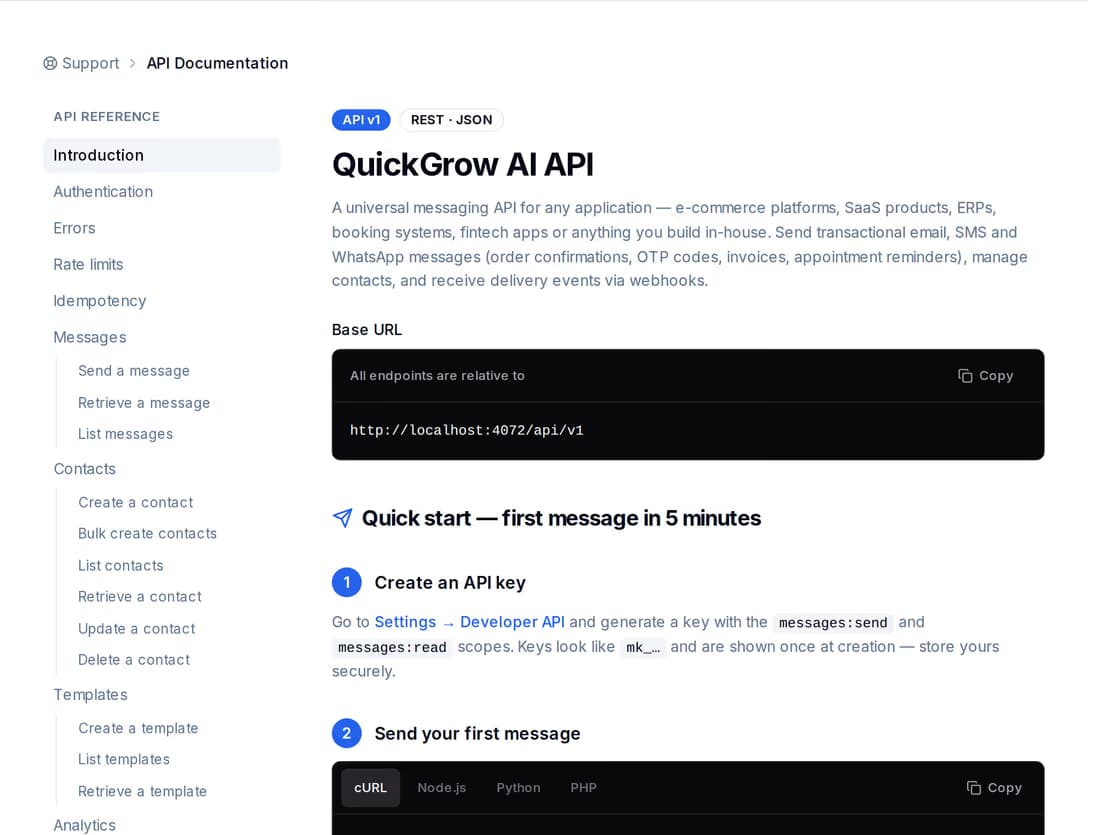
Request and response shapes, headers and error codes live in a browsable reference rather than a PDF that goes stale. The account-level API your clients use is documented in the same place.
Most integrations only need the account-level API. Reach for the Partner API when you are creating and running accounts that belong to other businesses.
| Account API | Partner API | |
|---|---|---|
| Who it is for | One business sending its own messages | A platform running accounts for its clients |
| Credential | mk_ account key | pk_ partner key plus a request signature |
| How you get it | Self-serve in the dashboard | Arranged with us |
| Creates accounts | No | Yes |
| Sends messages | Yes | Yes |
| Reads another account | No | Only accounts you provisioned |
| Suspend, resume, erase | No | Yes |
| Billing and reconciliation | No | Yes |
Nothing bad. The account is keyed on your partner id together with your own externalId, and that pair is unique in the database. The retry returns the existing account with created:false. Two workers racing the same call resolve the same way. Only the first call returns an API key, so store it when you get it.
No. The key created during provisioning is scoped to sending and reading messages, reading and writing contacts, and reading templates. Billing, account settings and team management are outside its scope, so a leaked key cannot buy anything or change who has access.
Never. We store a random hash so the login exists but has no known password, and mail them a set-password link that expires after seven days. They choose their own password the first time they sign in.
Partner keys are issued by hand, with the scopes and source addresses you need. Send us the shape of your integration and we will set it up.
 CyberCraft BangladeshQuickGrow AI
Run every channel from one platform. Bring your own SMTP, SMS gateway, and WhatsApp number — or use ours.
See pricing →