The handset is not a smartphone
A WhatsApp broadcast reaches the households that have the app and a working data connection. The rest of the list gets nothing, and you find out on the day nobody arrives.
Send a programme notice over SMS to people with no smartphone and no data connection, group them by district or by enrolment cohort, and keep the delivery record and the spend in the same place afterwards.
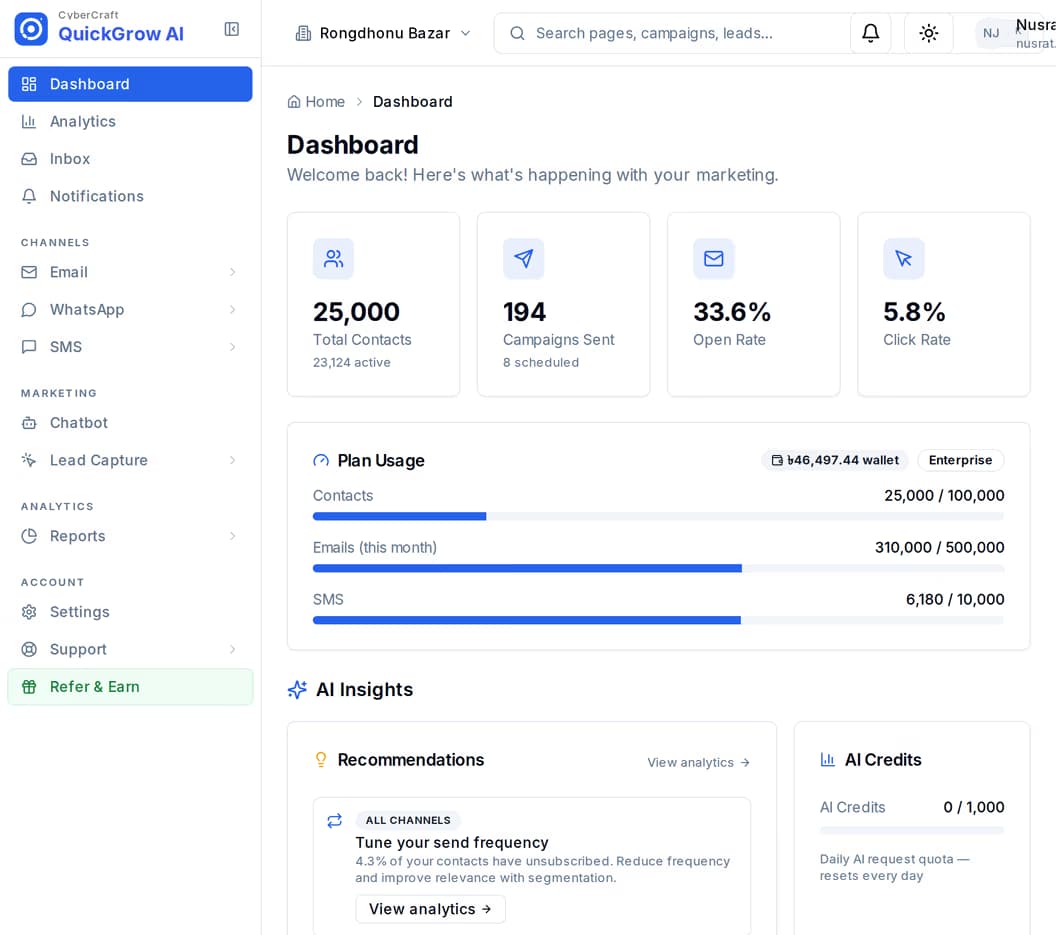
A messaging tool built for shoppers assumes a smartphone, an app and a data pack. A programme cannot assume any of those, and the gap is not evenly spread — it falls on the households the programme exists for.
A WhatsApp broadcast reaches the households that have the app and a working data connection. The rest of the list gets nothing, and you find out on the day nobody arrives.
One file per district, one per cohort, one on a field officer’s laptop. Nobody can say how many people are in a group without opening all of them and hoping the columns match.
Someone answers the notice and the answer sits on whichever handset sent it. When that officer moves to another upazila, the thread goes with them.
The notice went out. How many it reached, how many failed and what it drew down is a recollection rather than a record — and the report is due at the end of the quarter.
Nothing here needs a developer. The work is in getting the list in once and describing your groups properly; after that a send is a few minutes.
Upload the beneficiary list as a spreadsheet. A preview step shows what will be created before anything is written, so a shifted column is caught before it becomes ten thousand records. A phone number on its own is enough — no email address is required.
District, upazila, programme, enrolment round — each one becomes a tag on the record. A person can carry several at once, so the same household sits in Barishal and in the 2026 intake without being entered twice. Tags can be applied to a whole batch in one action.
Build a group from those tags with the rule builder, joined by all-of or any-of. The number of people matching updates as you write the rule, so you see the size of the send before you commit to it — and the group keeps itself current as records are added.
Pick the group, pick your approved sender name, write the notice, then send now or set a date and time. You can exclude a second group in the same step — everyone already contacted this week, for example.
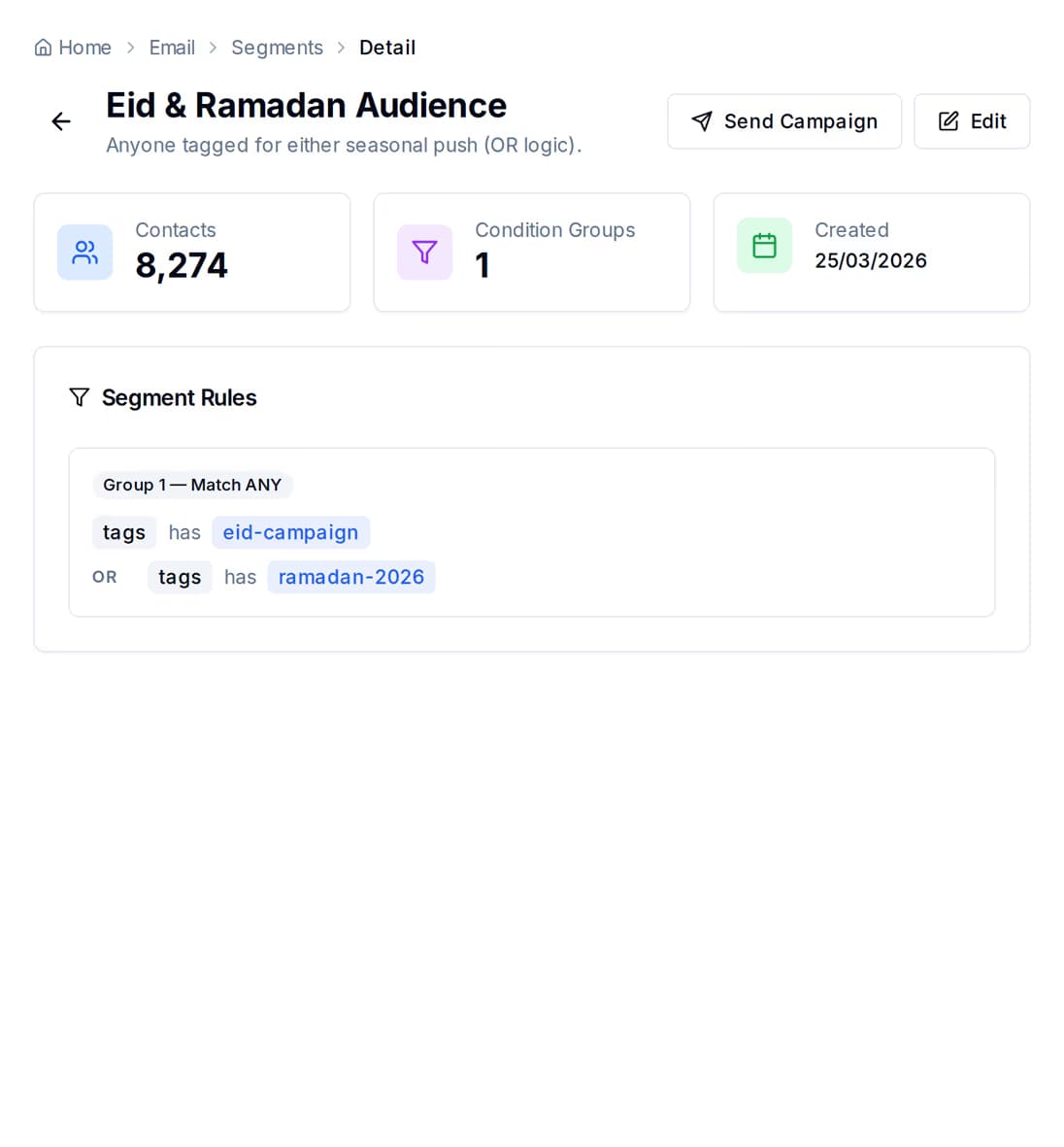
You do not copy people into a group. You describe them, and membership follows the records. Enrol a hundred new households in Barishal tomorrow with the right tag and they are in the Barishal group already — nobody edits anything.
The three channels are not interchangeable for this audience. The difference is not price or polish — it is what the person on the other end has to own before your message can land at all.
| SMS | |||
|---|---|---|---|
| Reaches a basic handset | Yes | No | No |
| What the recipient must have | A working number | The app and a data connection | An address they check |
| Needs internet on the phone | No | Yes | Yes |
| Starting the conversation cold | Write what you need to say | Approved template only | Write what you need to say |
| Sender they recognise | Your organisation name, with Masking SMS | Your registered business number | Your own domain |
| Room for detail | A line or two | Short, with buttons | Yes |
| Held back overnight | 9pm to 8am | 9pm to 8am | Sends any hour |
| Replies land in the shared inbox | Yes | Yes | Yes |
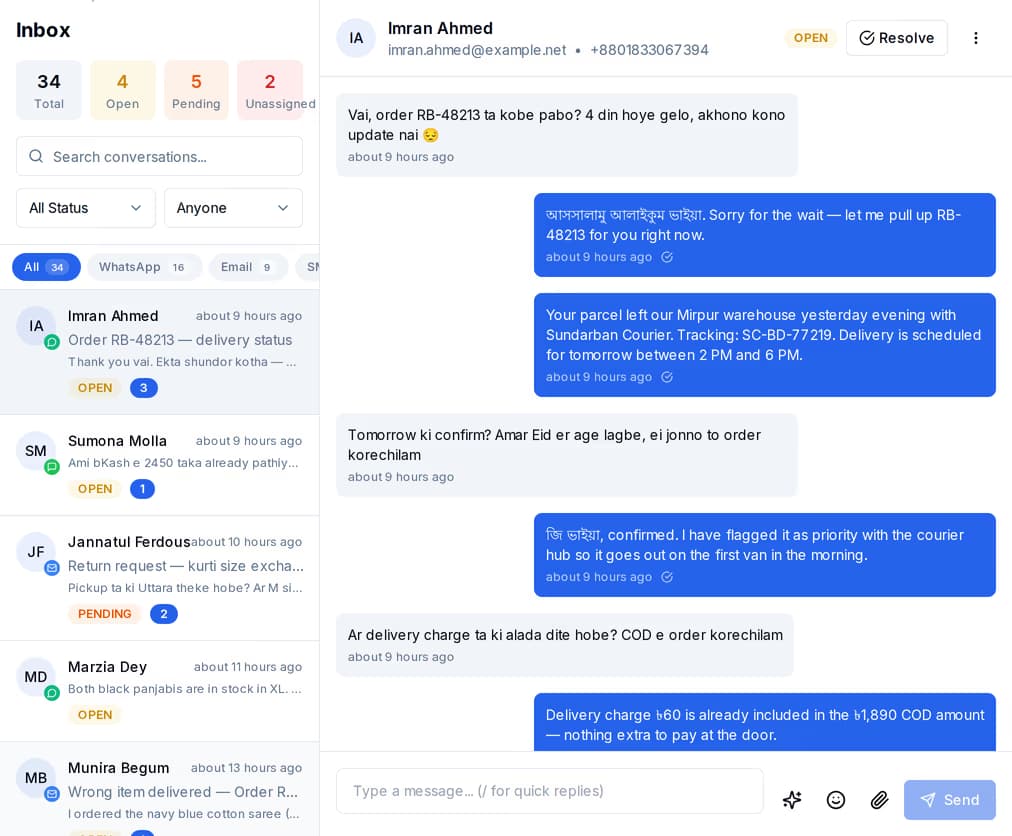
Every reply — SMS, WhatsApp or email — becomes a conversation in one list the team works together. It stops mattering which officer sent the original notice, or whether they are in the field this week.
A donor report has to answer two questions: what went out, and what it drew down. Here is precisely what the product gives you for each — including where the line falls, because it matters more than a comfortable answer would.
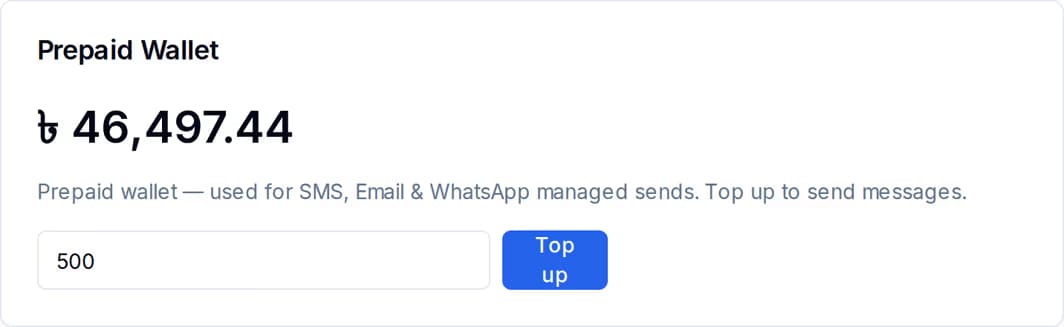
The recipient count is worked out from the group rule and stored on the campaign before a single message leaves. For SMS and email, what that count draws down sits in two places: the monthly volume you bought, and a prepaid balance held in taka for anything beyond it. WhatsApp carries no volume or wallet — Meta bills you directly for it, at Meta's own rate, and QuickGrow adds no markup.
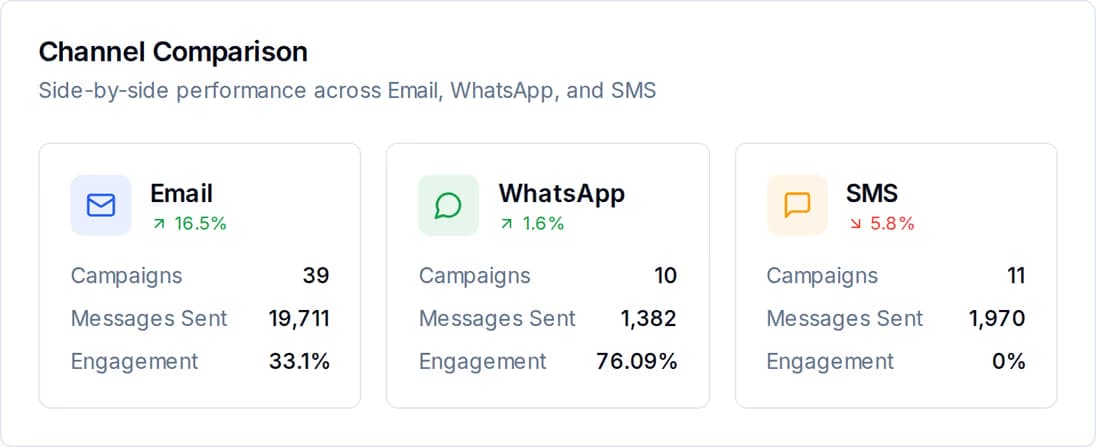
This is worth stating plainly rather than implying otherwise. The per-campaign record is a delivery record — how many were sent, delivered and failed, and for each recipient, which of those it was. The money figure is reported by channel across a date range you choose, not printed as a taka total on one campaign.
Sending to beneficiaries carries an obligation a promotional list does not. These are on by default rather than something you configure.
None of these need a person standing over them once they exist. Between them they cover most of what a field programme has to say out loud.
A distribution date, a change of venue, a clinic day — sent to one district group and nobody else, from a rule you wrote once.
The 2026 intake, the households enrolled in a training round, everyone tagged for a screening. The same mechanism, a different tag.
One list for everything that comes back across the three channels, assigned to whoever is on duty and resolved when it is answered.
Volume used against volume bought for SMS and email, a prepaid balance in taka for anything beyond it, and WhatsApp billed straight to your own Meta account — with a line for every charge and the channel it went on.
An opt-out reply is captured and flagged in the inbox. Withdrawing their consent is a deliberate step someone takes — once done, every later send skips them automatically.
Masking SMS puts your organisation’s name in the sender field, so a notice from you does not read as an unknown number.
SMS is its own product with its own volume sliders, its own sender approval and its own campaign builder — group targeting, exclusions, scheduling, pause and resume, and a per-recipient delivery record. It comes in two forms: masking, which puts your organisation’s name in the sender field, and non-masking. Each has its own volume slider and is metered separately. Nothing about it depends on the recipient having a smartphone, an app or a data connection.
By tagging. District, upazila, programme and enrolment round go on the record as tags, and the rule builder groups on them — a record can carry as many as you need, so it can sit in several groups at once. The rules read six things in total: tags, where the record came from, its status, an engagement score, when it was last engaged, and when it was added. There is no address or custom-field rule, so tagging properly at import is the work that pays for itself. A tag list with a count beside each tag tells you the size of every group at a glance.
Not as a single figure the product prints for you, and we would rather say so. What you get per campaign is the delivery record — recipients, sent, delivered, failed, and the status and failure reason for each individual recipient — exportable as a spreadsheet. What you get for money is the total spent per channel over a date range, the wallet record for SMS and email with a line for every charge and top-up, your own Meta billing for WhatsApp, and the invoices. A donor line is built by putting those together: the channel total and the invoice for the period, set against the campaign counts for the same period.
You pay a platform fee plus the channels you actually send on. Buying managed volume waives part of that fee, and bringing your own sending set-up leaves you paying the platform fee alone.
 CyberCraft BangladeshQuickGrow AI
Run every channel from one platform. Bring your own SMTP, SMS gateway, and WhatsApp number — or use ours.
See pricing →